• You can now help support WorldwideDX when you shop on Amazon at no additional cost to you! Simply follow this Shop on Amazon link first and a portion of any purchase is sent to WorldwideDX to help with site costs.
  • A Winner has been selected for the 2025 Radioddity Cyber Monday giveaway! Click Here to see who won!

Royce 1-641

HomerBB

Sr. Member
Jan 4, 2009
3,986
2,760
273
69
Rogers, Ar
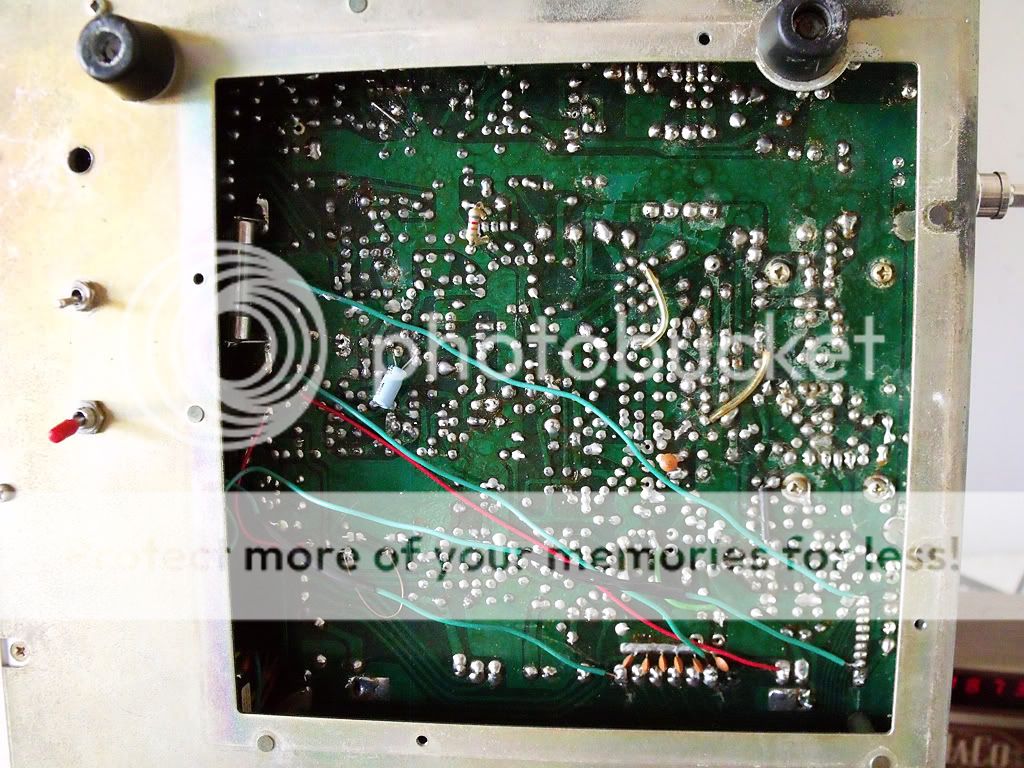
I picked up this radio, Royce 1-641, for a fair price. According to some sources online it won't modify to additional channels having a closed pll, however, it is already done and appear to be working. Dirty switches and knobs I fixed with cleaner, and I replaced a bad SPST switch. It had been dropped and the inline AC fuse holder on the back was broken. I rewired a Courier Dynamic desk mic for it, and now wait for conditions to check it out.

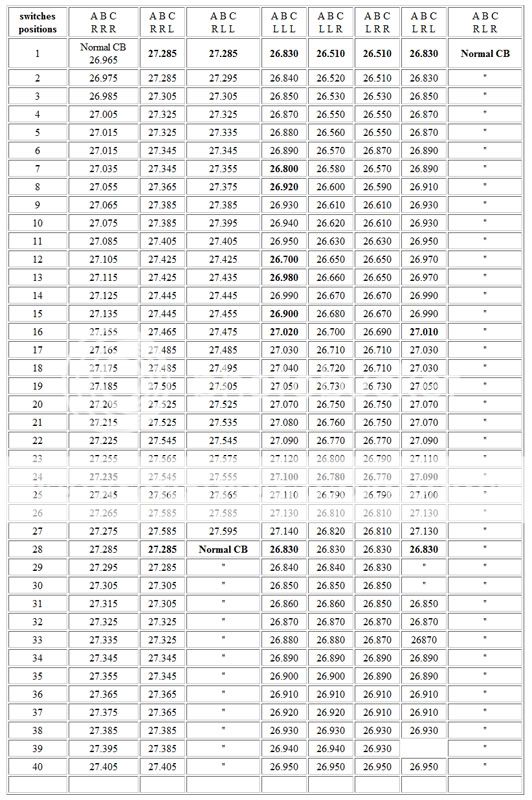
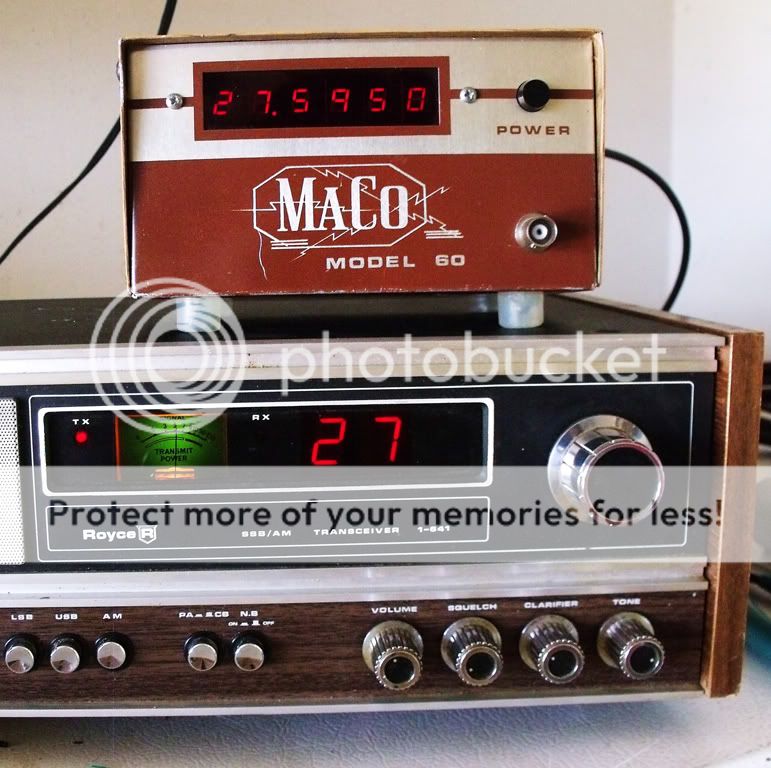
You'll notice the three SPST switches on the bottom of the unit for channel options. I will put the freq counter inline tomorrow and write down the road map.
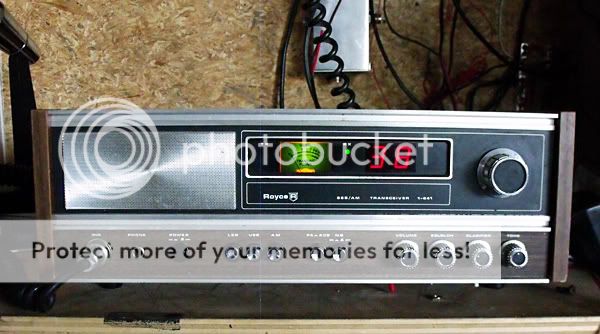
switches01.jpg
03Royce_1_641.jpg
 
Last edited:

cool old radio.

i like the old royce radios.

here is a link to help with the tune up and roadmap:
http://www.cbtricks.com/pub/secret_cb/vol_11/graphics/secret_cb_vol_11_pg20.pdf

one tip for working on these radios.
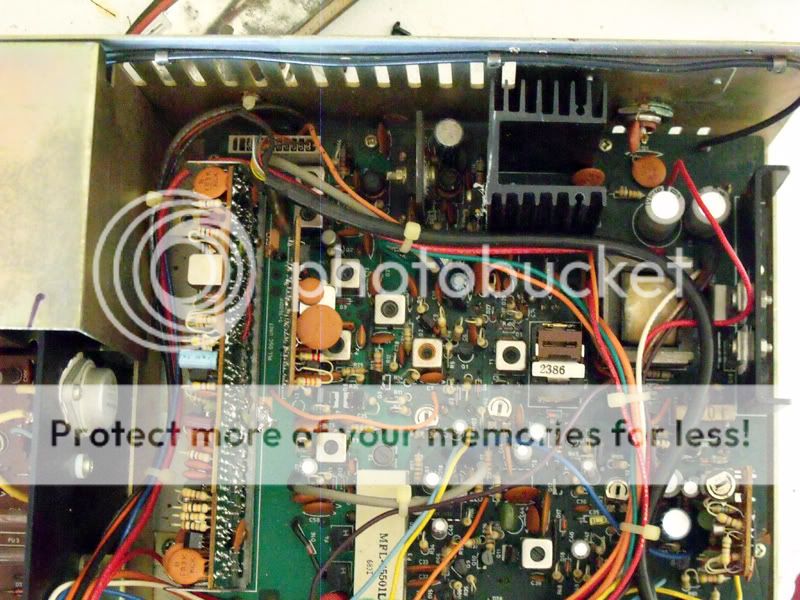
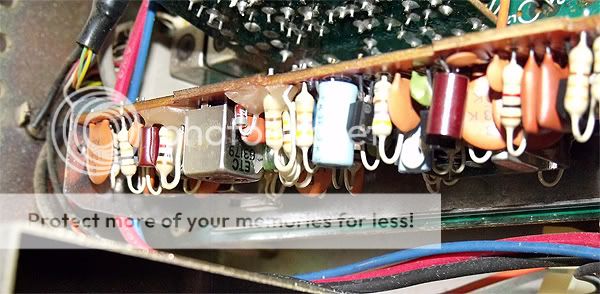
because royce used a modular design with a "motherboard" that has sub-boards soldered to it; it will be much easier to work on it if you unsolder the sub board from the main board and re-solder it to the other side of the PC board. (oriented the correct way of course)

this way you will be able to get to the tuning adjustments.

have fun with it.
LC
 
cool old radio.

i like the old royce radios.

here is a link to help with the tune up and roadmap:
http://www.cbtricks.com/pub/secret_cb/vol_11/graphics/secret_cb_vol_11_pg20.pdf

one tip for working on these radios.
because royce used a modular design with a "motherboard" that has sub-boards soldered to it; it will be much easier to work on it if you unsolder the sub board from the main board and re-solder it to the other side of the PC board. (oriented the correct way of course)

this way you will be able to get to the tuning adjustments.

have fun with it.
LC

Thanks for the tips!

Here is the current road map on this one:

channels_Royce02.jpg
 
I decided to remove all the switches to see where the radio would land. It settled on column ABC/RRL.

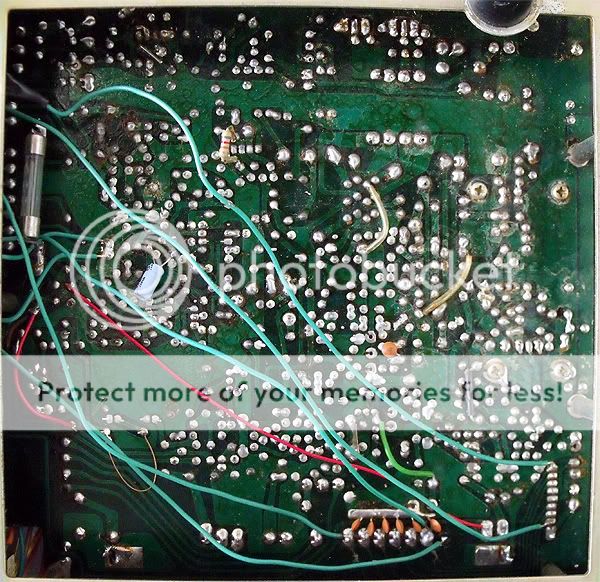
I noticed there were a couple traces from the PLL cut, so I figured that would have something to do with the way the removal of the switches caused the frequencies to land. Putting them back together did the trick, but in the process of figuring things out I noticed I could get a 10Khz jump with a jumper, so I left a switch in for that. Additionally, I decided to leave a switch in place to get a set of uppers. A simple removal of the switch and a trace reconnection would put it back to stock should I want to do so.
Now there are only two switches, one for 10k jump, the other for the frequencies in column ABC/RLL.

As you can see from the photo, the clarifier has to be on 10:00 o'clock position to obtain frequency center. I need to learn where the frequency adjustments are to bring that back to center.


5571.jpg
5578b.jpg
 
I left the clarifier alone. I looked it over and realized it was a simple matter of reconnecting the R99 that was cut, and moving the pink wire on the back of the clarifier knob from the 9v power source to its original location should it prove necessary to reverse the mod.
I wired a Turner +2 microphone, found and touched up some cold solder joints, and test drove it again. I received good reports on the sound quality of the radio using the Turner over the old Courier switching them back and forth for comparison.
I am feeling better and fonder of the old Royce bit by bit.
 

dxChat
Help Users
  • No one is chatting at the moment.